🍌 Nano Banana Pro 🍌 AI Photo Editor
Edit, transform and enhance photos with only text prompt.
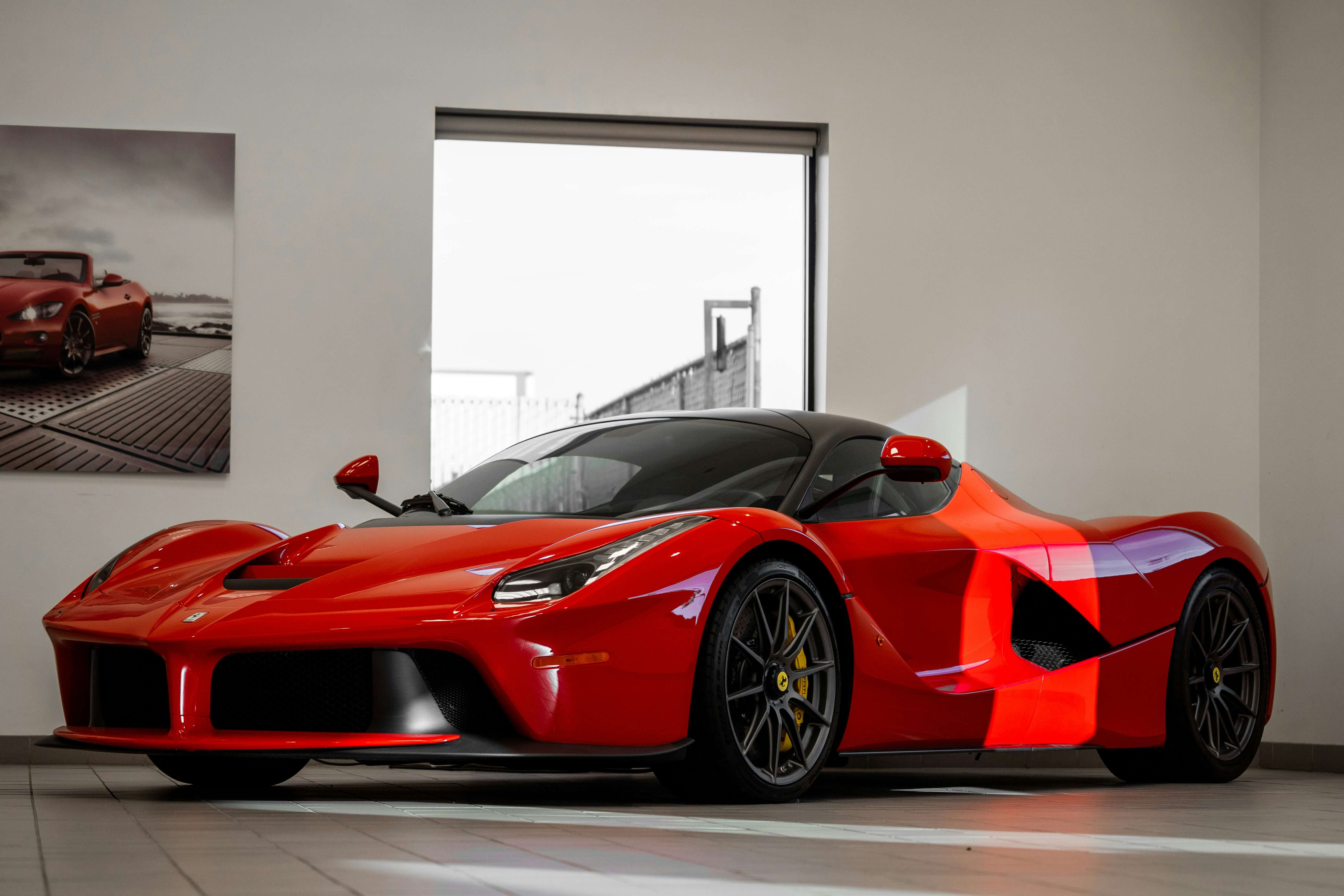
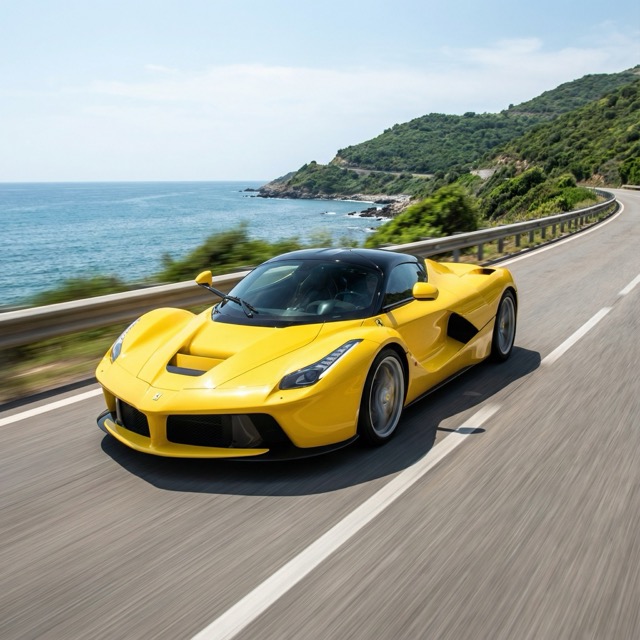
"Change the car's color to yellow and speed down the road."
AI Photo Editor
Effortlessly transform and edit your images with AI image editor
AI photo editor is a powerful tool that can edit, transform and enhance photos with only text prompt. By leveraging artificial intelligence, you can transform ordinary photos into extraordinary visuals with just a few clicks. Whether you're a professional photographer, creative enthusiast, or business owner, today's AI photo editor solutions provide advanced editing tools that enhance productivity, deliver professional results, and streamline your workflow. Experience seamless editing, intelligent automation, and creative freedom like never before.
AI Photo Editor Use Cases
Transform your images for any industry and scenario with AI-powered editing.
Photo Enhancement
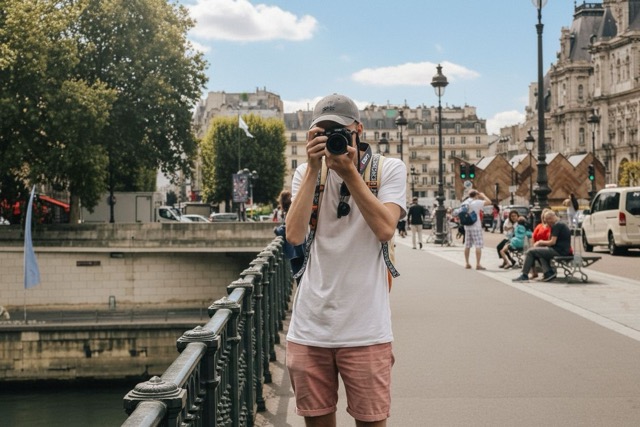
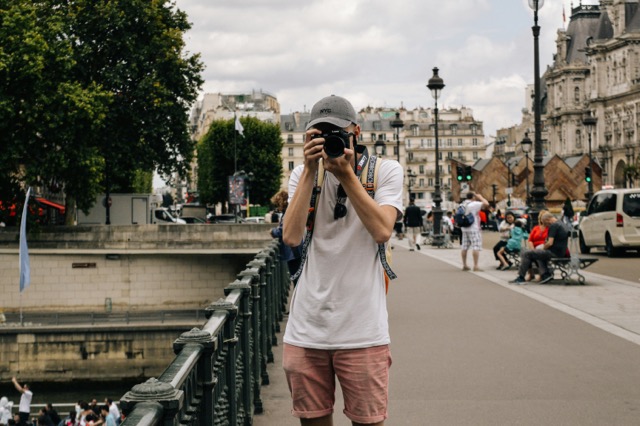
AI photo editor excel at improving brightness, contrast, and color balance automatically, eliminating tedious manual adjustments and delivering stunning, polished images in seconds.
Background Removal
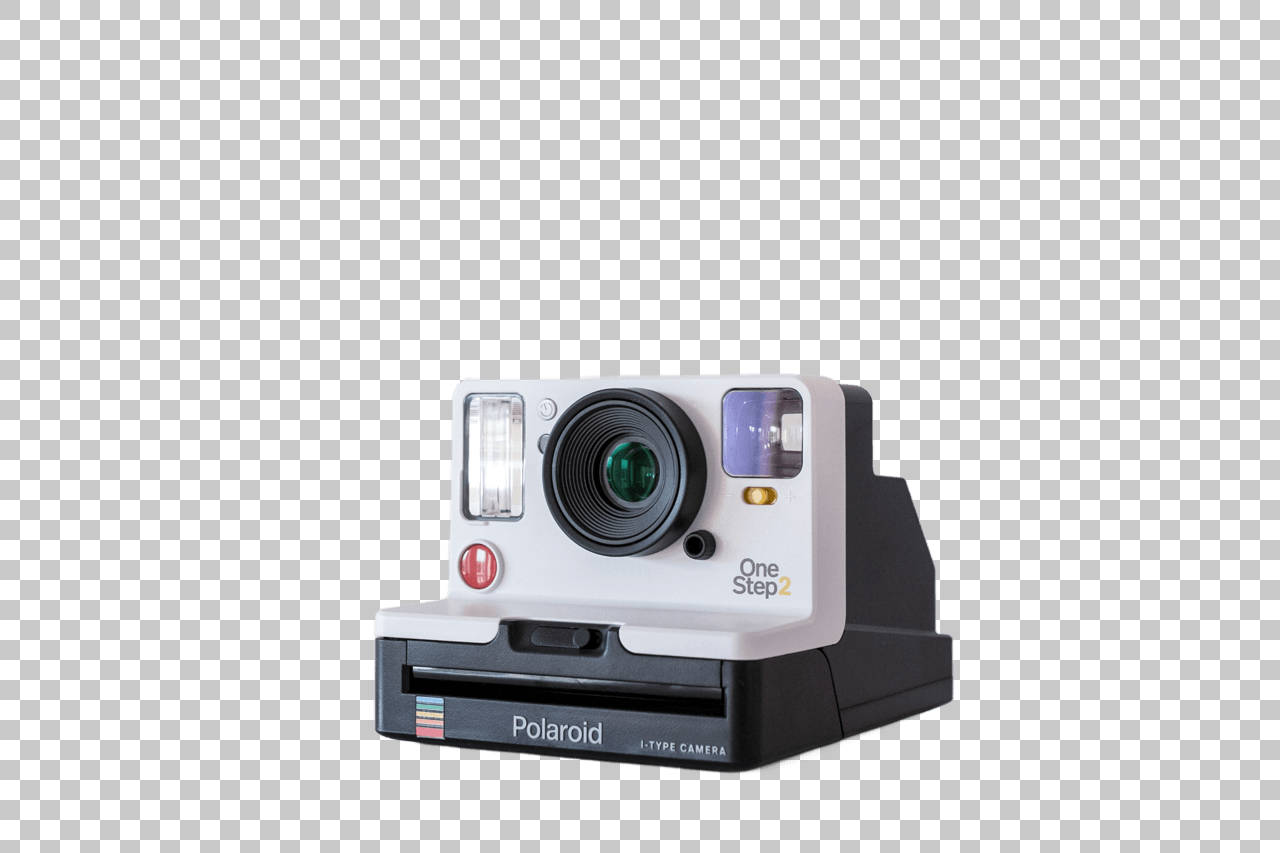
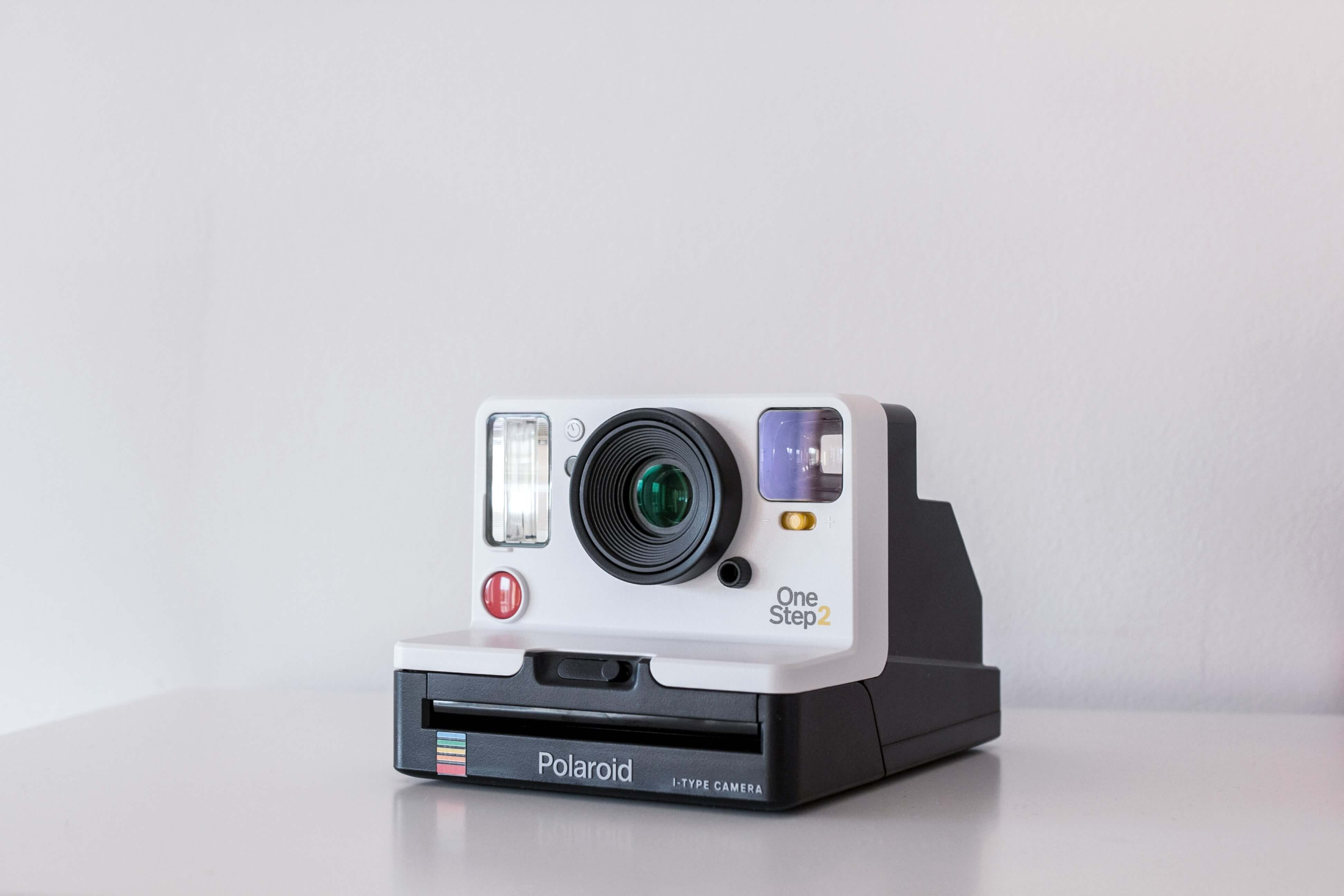
Effortlessly separate subjects from backgrounds for e-commerce, profile photos, or design projects. AI photo editor handle complex boundaries and hair details with remarkable precision.
Object Removal
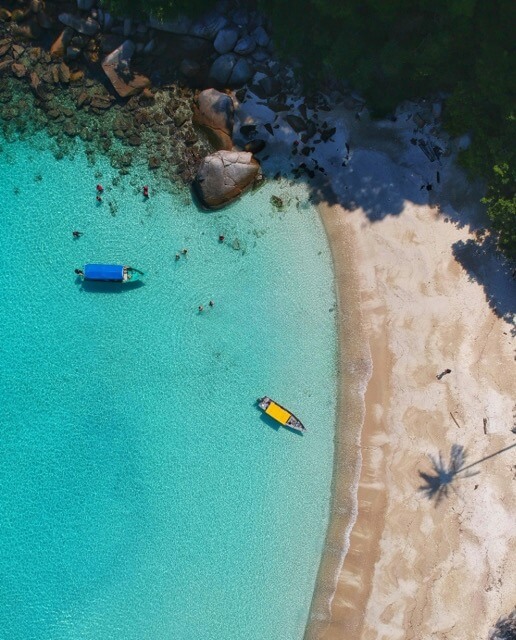
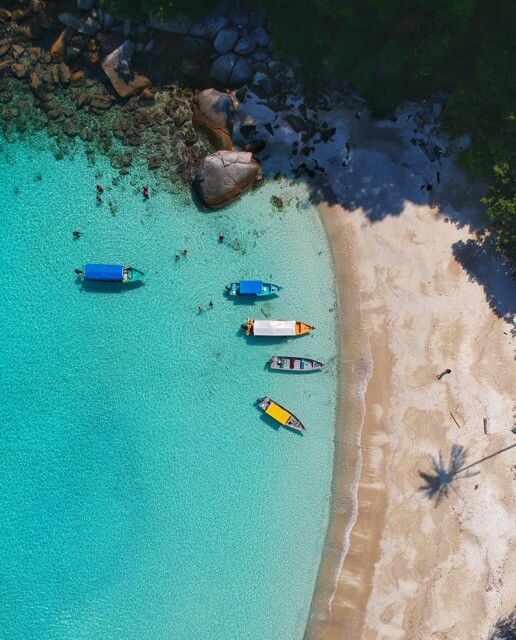
Quickly erase unwanted objects, distractions, or blemishes from your photos using AI photo editor. Smart detection and intelligent fill-in features make cleanup seamless and natural—no need for advanced skills.
Batch Processing(Wip)
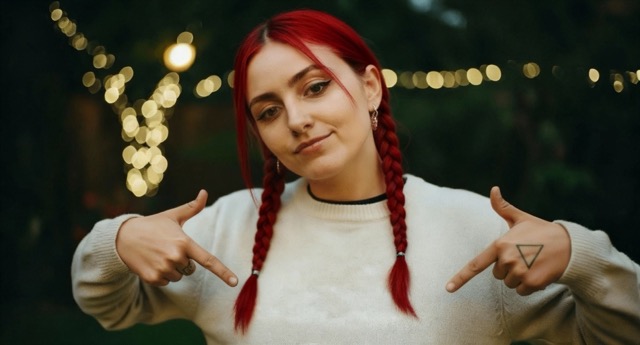
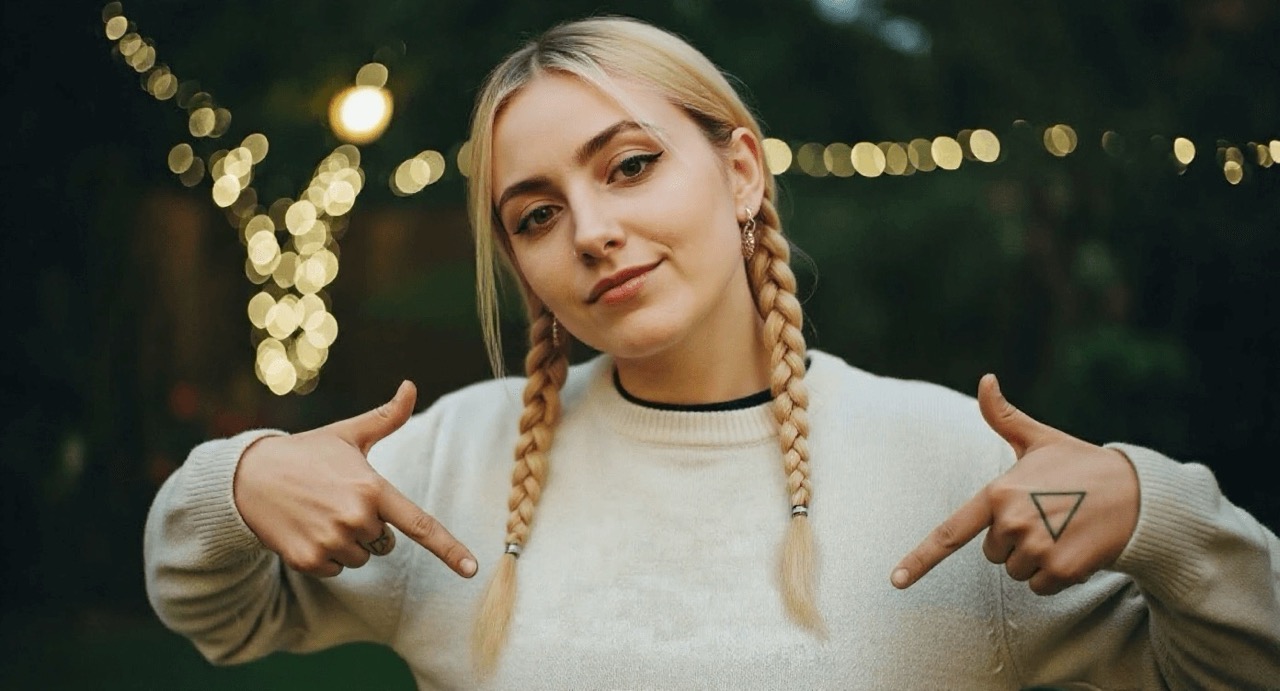
AI photo editor can edit multiple images simultaneously, applying uniform enhancements and corrections. This is ideal for photographers, bloggers, or online stores who need consistent, high-quality results across large sets of images.
Social Media Graphics
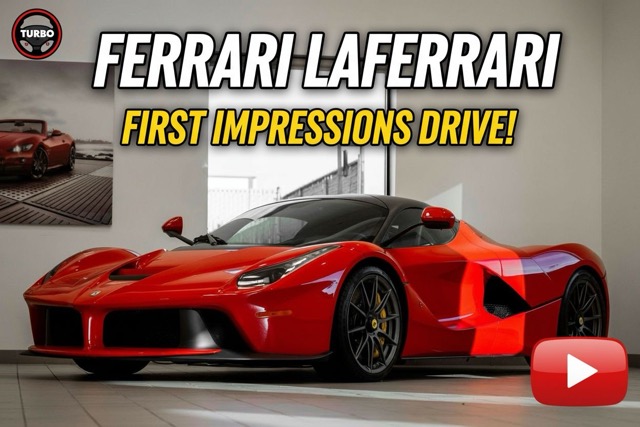
Design impactful banners, thumbnails, or promotional content ready for any channel. AI image editor combine fast edits with creative templates and automation, making content creation effortless.
Artistic Effects
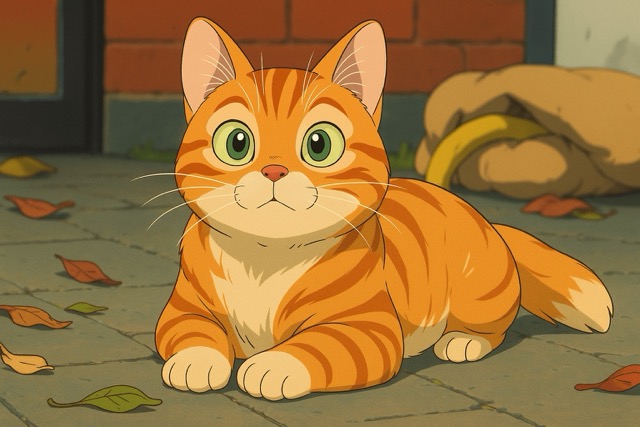
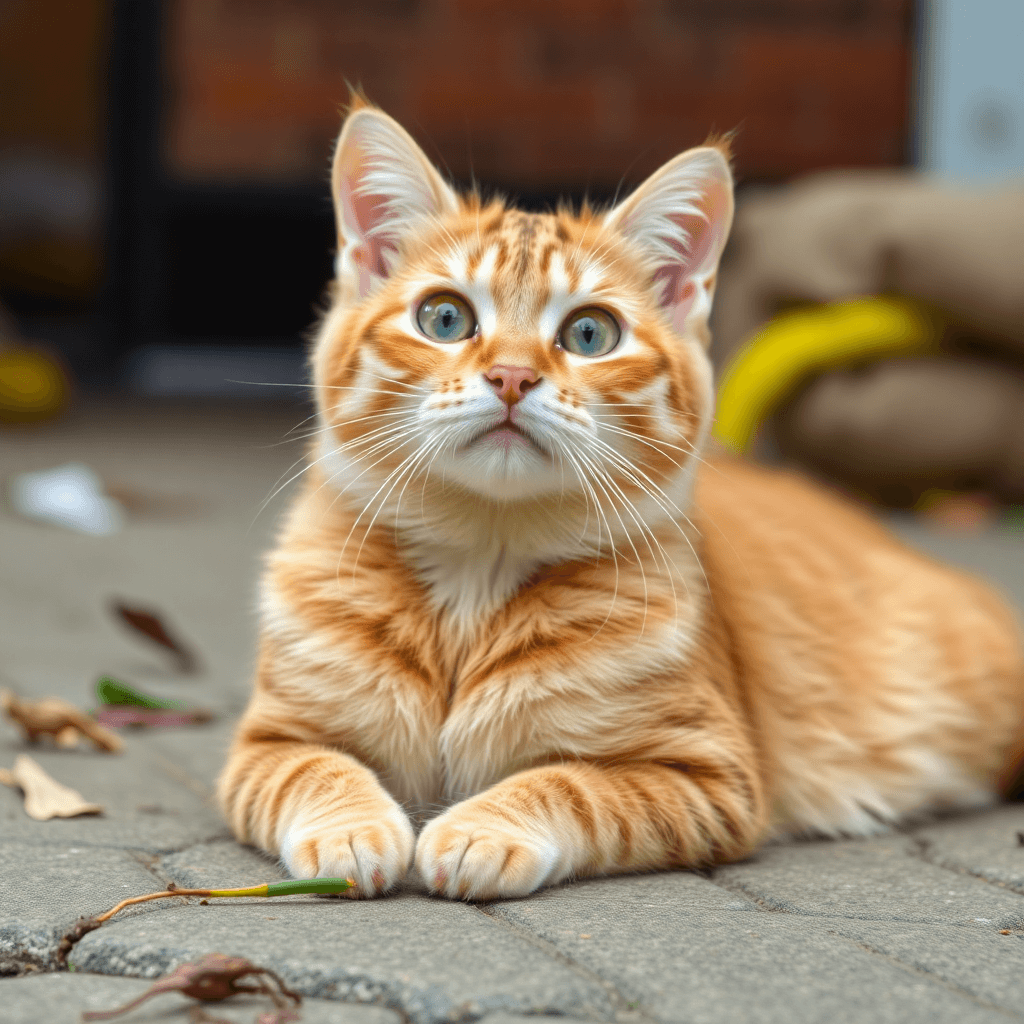
Apply creative filters, generate artistic portraits, or mimic painting styles. Free AI photo editor tools offer a diverse library of effects that transform your photos into eye-catching works of art.
Why Choose Our AI Photo Editor?
Advanced AI-powered editing capabilities for professional results
AI-Powered Algorithms
Our AI photo editor use advanced AI models(such as Google Nano Banana Pro, Nano Banana, Bytedance Seedream 4.0 and keep updating) to identify elements in your images, enabling precise enhancements, retouching, and stylization with minimal input from the user. Results are consistently smooth and professional without manual trial and error.
Intuitive Interface
Our AI photo editor focus on ease of use. Upload and edit photos in seconds, with simple controls for adjusting, retouching, or transforming images—making advanced editing accessible to everyone.
Multiple model options
We currently provide multiple smartest AI models(include Google Nano Banana Pro, Google Nano Banana and Bytedance Seedream 4.0) for users to choose from. Each model has its own unique features and capabilities. Users can select the model that best suits their needs.
How To Use AI Photo Editor
Simple steps to use our AI Photo Editor
Upload Your Photo
Open the AI photo editor and upload your desired image in JPG, PNG, or other supported formats.
Describe Your Edits
Describe your desired edits, such as enhancement, background removal, or object erasure. The AI image editor processes your input instantly.
Choose Model and Ratio
Choose the AI model and ratio. The AI model determines the quality of the result, and the ratio determines the size of the result.
Download and Save
Save your edited image directly to your device, exporting in high quality to suit your needs.
Try 🍌 Nano Banana Pro 🍌 AI Image Editor Now
Upload image, enter editing prompt, and let AI deliver professional results in seconds.
AI Photo EditorBenefits of Using AI Photo Editor
AI Photo Editor makes your life easier.
Rapid, High-Quality Edits
AI photo editor deliver professional results in seconds, saving time and elevating image quality beyond manual editing methods.
Accessibility and Ease
No design experience required to use AI image editor—intuitive controls and automated workflows make powerful editing available to everyone, anywhere.
Cost-Effective Solutions
AI photo editor eliminate the need for costly software or expensive professional services. Businesses and individuals can access top-tier editing without breaking the bank.
Creative Versatility
From simple enhancements to complex artistic effects, AI image editor support a vast array of creative possibilities, ideal for marketing, branding, or personal use.
AI Photo Editor FAQs
Frequently asked questions about AI Photo Editor
What is an AI photo editor?
AI photo editor uses artificial intelligence to automate and simplify complex photo editing tasks such as enhancement, object removal, and stylization, making high-quality editing accessible to everyone.
What are the different AI models available in AI photo editor?
We currently provide three smartest AI models. Nano Banana Pro: A powerful, high-precision model designed for advanced reasoning and complex tasks. Nano Banana: A fast and efficient lightweight model built for everyday tasks and smooth user experiences. Seedream 4.0: An ultra-creative generative model optimized for producing vivid, high-quality images.
Can I use an AI image editor for free?
Yes. we offer a free trail of AI photo editor, allowing users to perform essential edits at no cost, though if you want to editing more images or using more advanced features may require a subscription or one-time payment.
Do I need design experience to use an AI photo editor?
No special skills are necessary. The intuitive interfaces guide users through each step, so anyone can achieve professional-looking results in minutes.
What types of edits can an AI photo editor perform?
You can automate everything from basic adjustments and retouching to advanced background removal, object erasure, color correction, and creative filters using artificial intelligence.
Are edited images high quality?
Yes. Our AI photo editor delivers high resolution results(up to 2K in Nano Banana Pro), suitable for web, print, and professional/commercial use.