Remove Background From Image
Remove background from image with different AI models available.

Your result image will appear here
Upload an image on the left, and click "Remove Background" button.
AI Background Remover
Effortlessly remove background from image with AI.
AI background remover is a AI image processing tool that can remove background from image and create transparent backgrounds for any project. Whether you're a photographer, e-commerce seller, marketer, or just want to clean up your photos, get professional results in seconds. Perfect for product photos, portraits, logos, and more!
AI Background Remover Use-cases
Remove background from image for any industry and scenario.
Art & Design
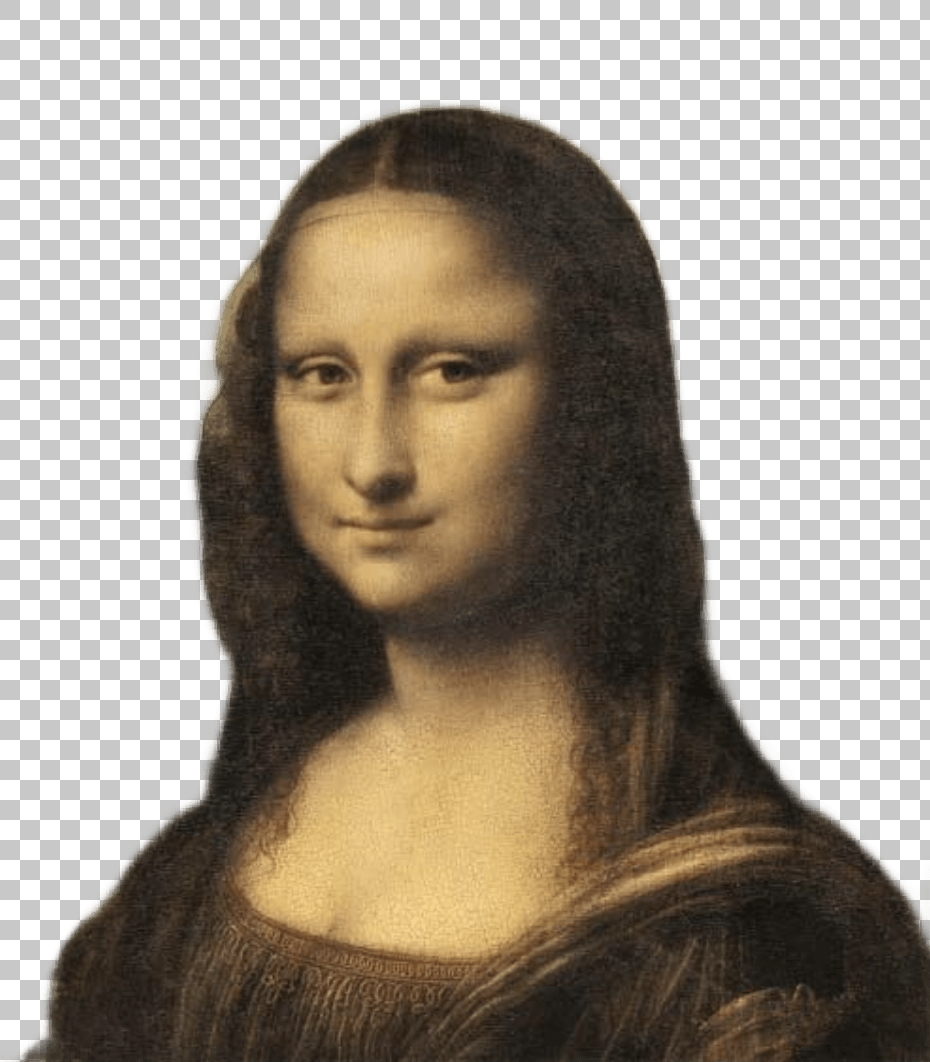
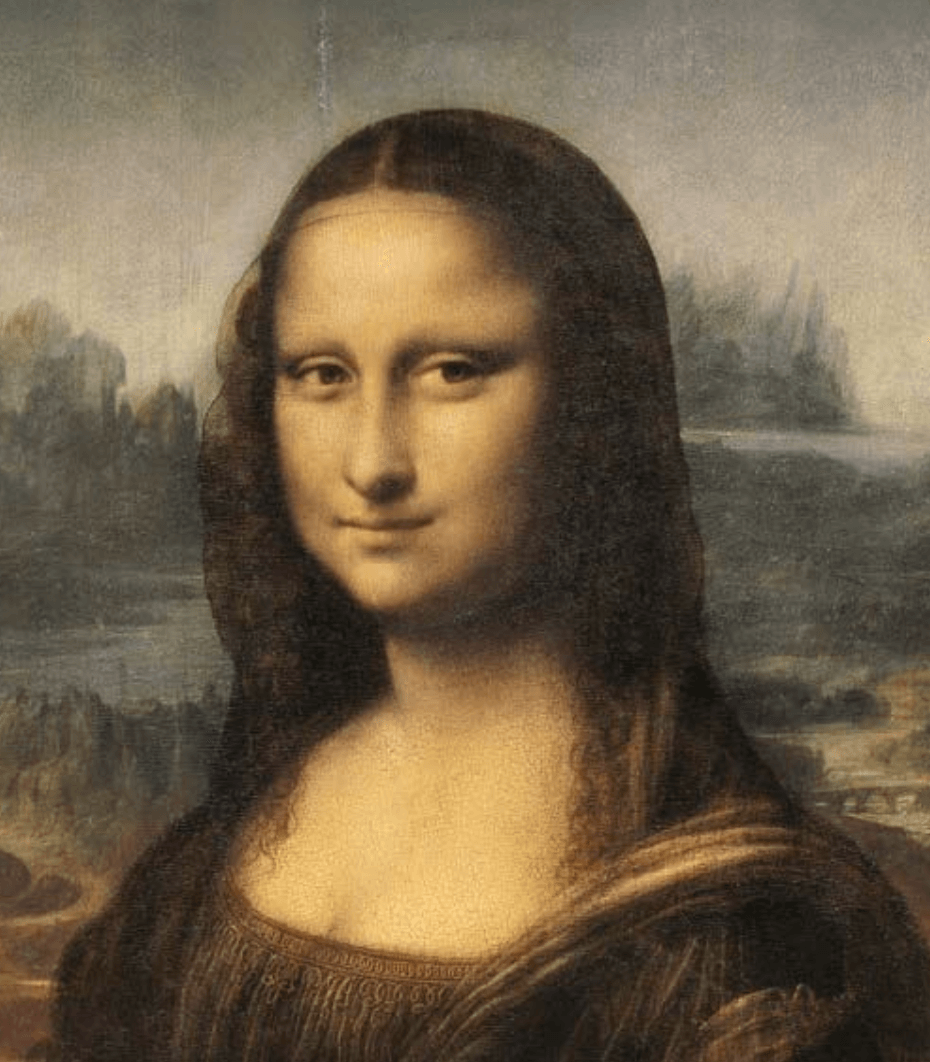
AI background remover transforms creative projects by isolating artwork, illustrations, and design elements. Artists and designers can remove background from image to create layered compositions, mixed media projects, and clean presentations that highlight their creativity.
E-commerce Product
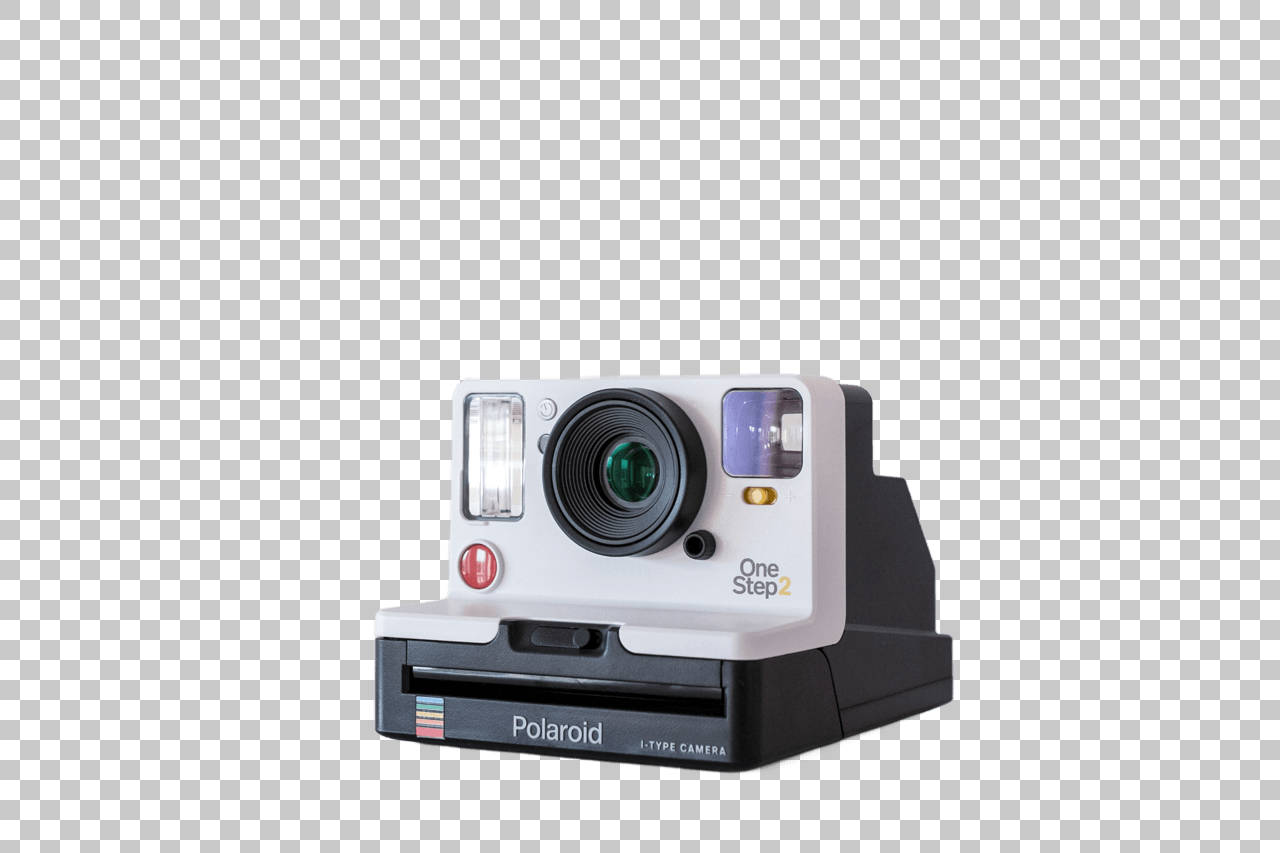
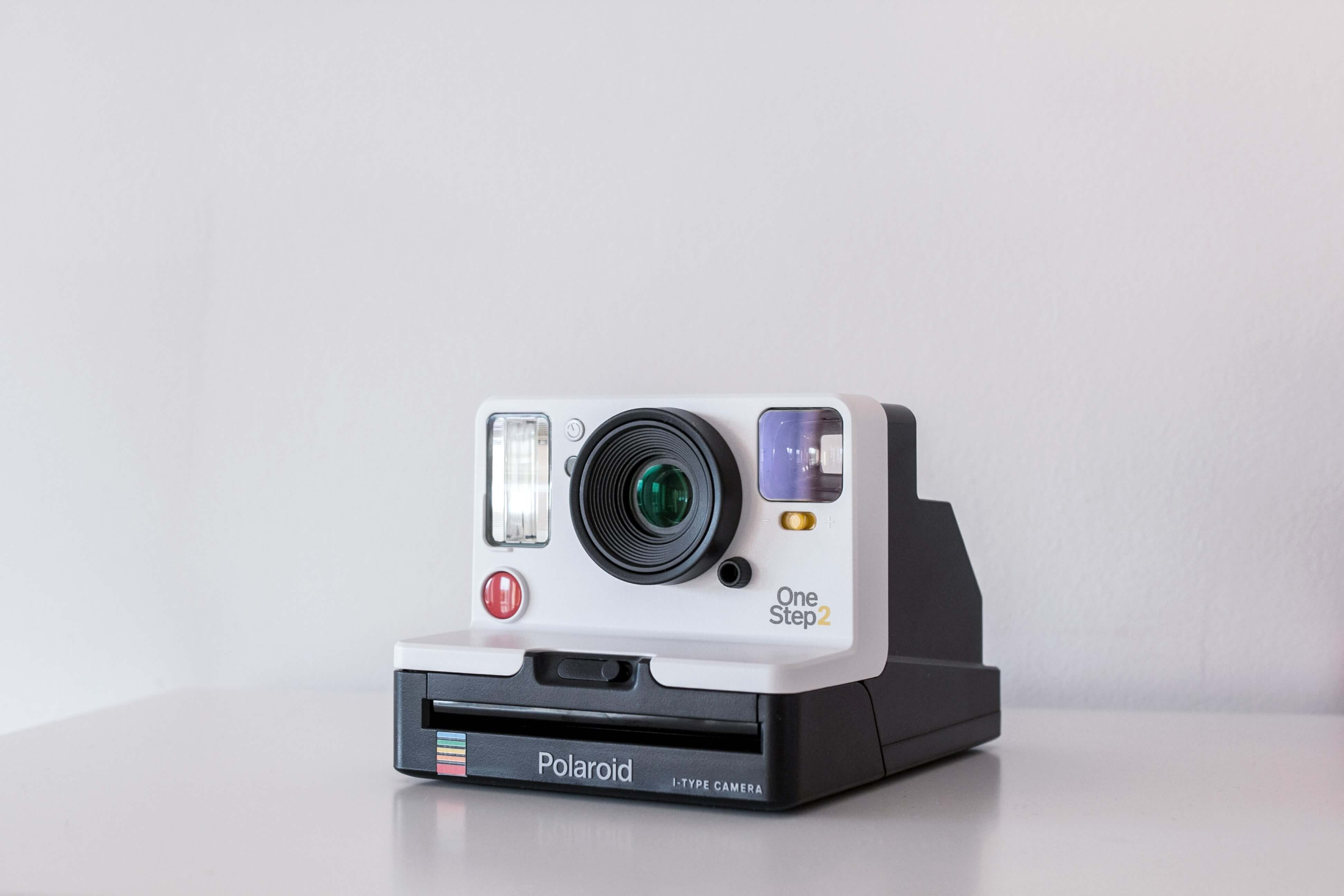
Boost product listings and sales with our AI background remover that creates clean, professional product images. Remove background from image to showcase products on white or transparent backgrounds, maintain visual consistency across your store, and improve conversion rates.
Portraits
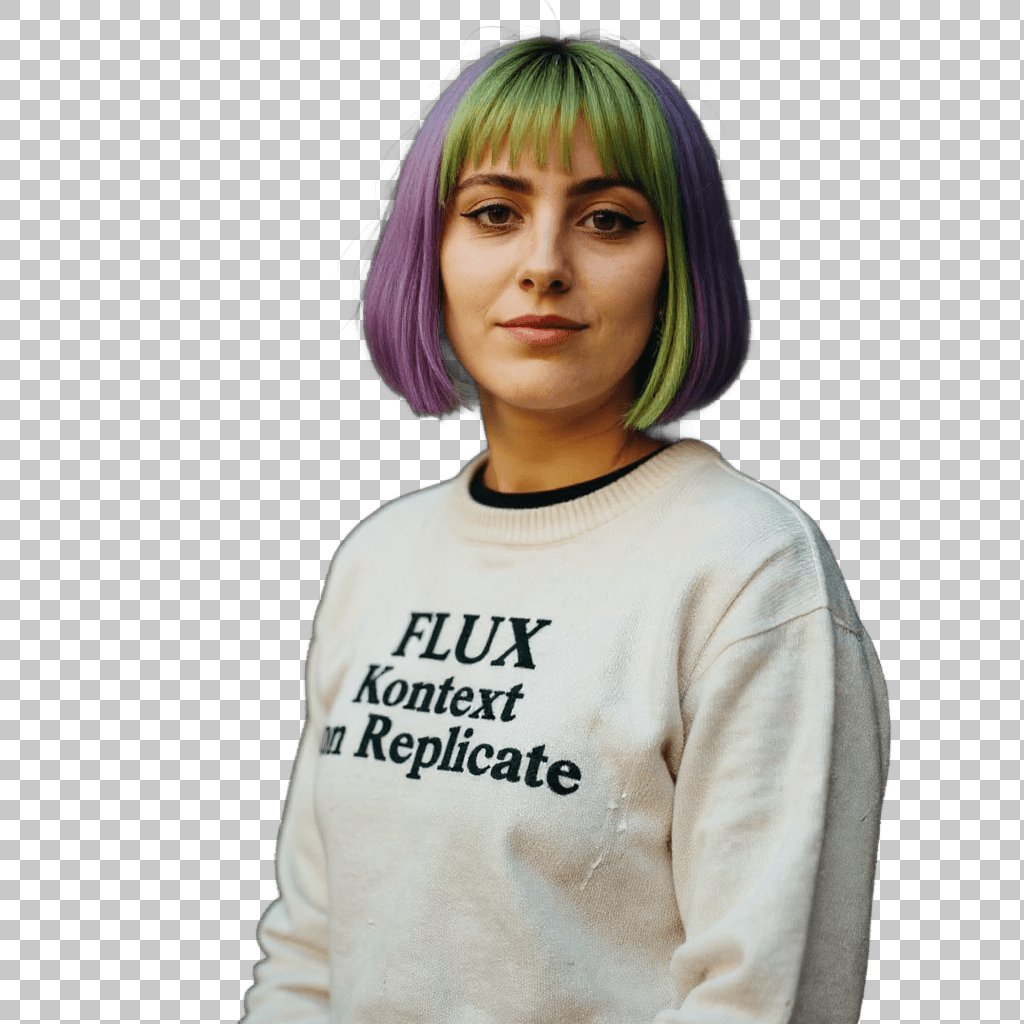

Enhance portrait photography by removing distracting backgrounds. Our AI background remover helps photographers and individuals create professional headshots, social media profiles, and formal documentation photos that focus attention where it matters most.
Pets
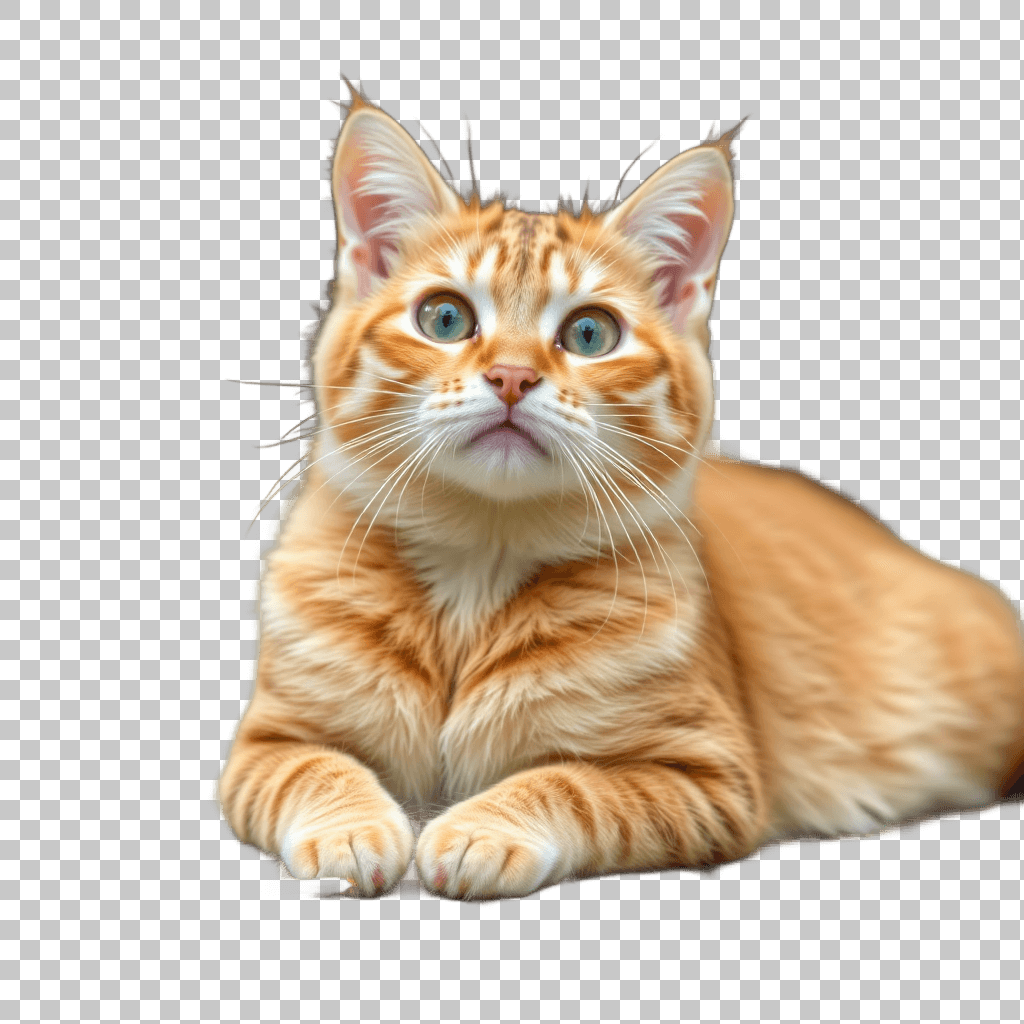

Create adorable pet portraits and professional pet product imagery with our AI background remover. Perfect for pet businesses, adoption agencies, and pet owners who want to highlight their furry friends without distracting backgrounds.
Car Dealership
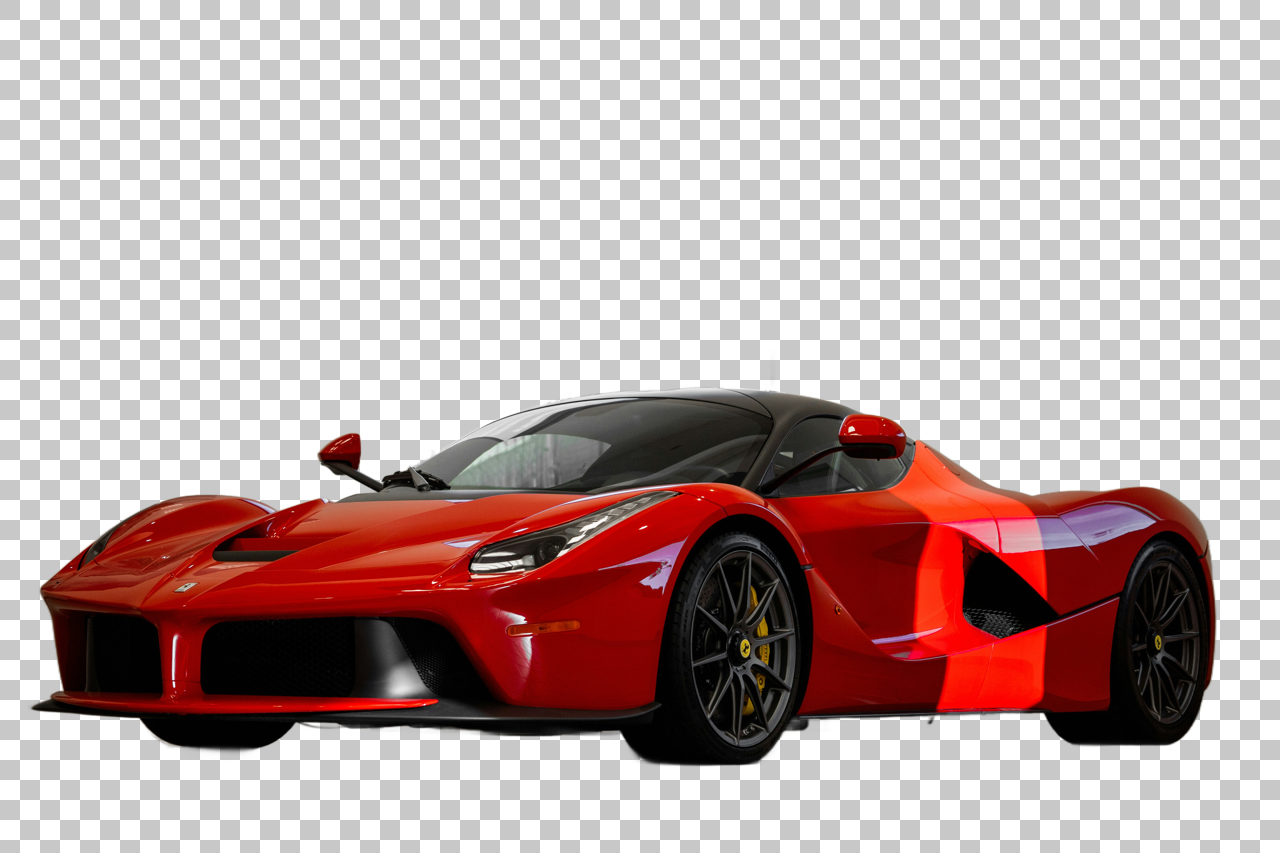
Transform automotive imagery with our AI background remover that helps dealerships create professional, consistent vehicle listings. Remove background from image to place vehicles in virtual showrooms, highlight features, and create more engaging automotive marketing materials.
Logo & Graphics
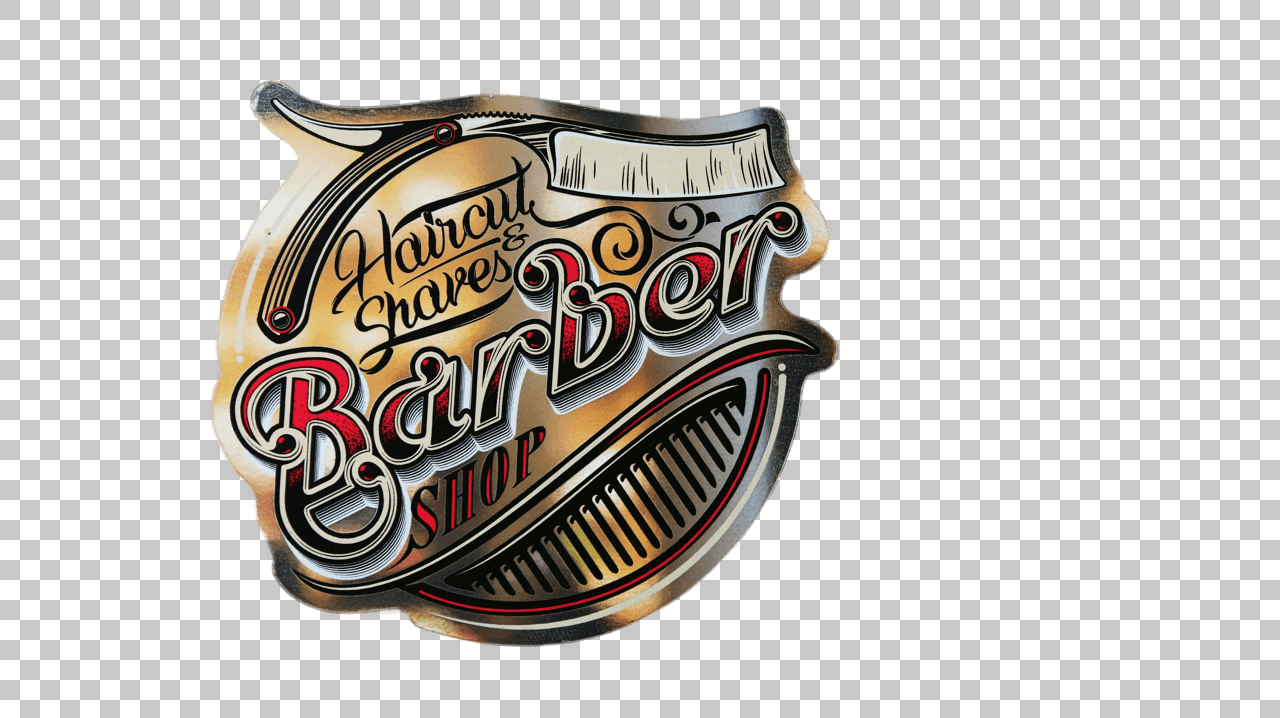
Remove background from image to create clean, professional logo and graphics for your brand. Perfect for marketing materials, social media profiles, and personal projects. Branding, marketing, and design professionals can use our AI background remover to create professional, consistent visual identities.
Why Choose Us
The best choice for you to remove background from image
AI-Powered Precision
Our AI background remover uses advanced AI specifically trained to detect and separate subjects from their backgrounds with pixel-perfect accuracy. Get clean, professional edges when you remove background from images of any complexity.
Instant Background Removal
Our lightning-fast AI background remover processes your images in seconds. Upload your photo and remove background instantly, saving you valuable time whether you're working on one image or batch processing multiple photos.
One-Click Background Removal
No complex masking or tedious manual selection needed. Our powerful AI background remover automatically identifies subjects and removes backgrounds with a single click. Simply upload your image and let our AI do the work for professional-quality transparent backgrounds.
How To Use AI Background Remover
Simple steps to use our AI Background Remover

Upload Your Image
Simply upload the image you want to edit. Clear, well-lit photos work best for optimal results.
AI Removes Background
Our advanced AI intelligently identifies and removes the background, leaving your subject perfectly isolated.
Preview Your Edited Image
Instantly see the result with a transparent background, ready for your creative use.
Download and Use
Save your professionally edited image as a high-quality PNG file, perfect for websites, marketing materials, or personal projects.

Remove Background From Image In One Click
Remove background from image fast, clean and affordable.
AI Background RemoverAI Background Remover FAQs
Frequently asked questions about AI Background Remover
How does the AI background remover tool work?
AI background remover uses advanced AI technology to automatically detect the subject in your image and separate it from the background. The tool analyzes your image pixel by pixel to identify edges, colors, and objects, then precisely removes the background while preserving the fine details of your subject. This creates a clean, transparent background that allows you to use your image in various creative ways.
What file formats can I use, and what format will I receive after using the AI background remover?
AI background remover tool supports common image formats including JPG, PNG, JPEG, and WEBP files. After processing, you'll receive your image with the background removed in PNG format with a transparent background by default, which maintains transparency and is ideal for digital projects. You can also choose to download your image with a white background or a custom color background depending on your needs.
How accurate is the AI when removing complex backgrounds from images?
AI background remover AI has been trained on millions of images to ensure high accuracy even with complex backgrounds. It excels at handling challenging scenarios like hair strands, fur, complex edges, and semi-transparent objects. While most images are processed with excellent results, extremely complex cases with very fine details or low contrast between subject and background may require minimal touch-ups for perfect results. We continuously improve our AI to handle even the most challenging background removal tasks.
Is it free to remove background from image using this tool?
We offer free background removal with some limitations on image resolution and number of images. This allows you to test our AI background remover and see the quality for yourself. For professional needs or bulk processing, we offer affordable subscription plans that provide higher resolution outputs, priority processing, and additional features. Our pricing is designed to be competitive while delivering professional-quality results.
What can I use my background-removed images for?
After using our AI background remover, your images can be used for countless creative and professional purposes: e-commerce product photography, social media posts, graphic design projects, digital marketing, professional presentations, print materials, website content, photo collages, personal projects, and more. By removing the background, you gain the flexibility to place your subject on any new background or alongside other elements seamlessly.
How can I get the best quality results when removing backgrounds?
For optimal results with our AI background remover, start with high-quality images where the subject has reasonable contrast with the background. Good lighting helps the AI distinguish between subject and background. While our tool works well with most images, extremely busy backgrounds or very low-contrast scenes can be challenging. For professional use cases like e-commerce product photography, using a solid-color background in your original photo will yield the cleanest edges after background removal.