Remove Text From Video
Remove text and logos from videos using AI effortlessly
Your result video will appear here
Upload an video on the left, and click "Remove Text From Video" to remove text from video.
Remove Text From Video
Remove Text From Video with one click.
In today’s fast-paced world of content creation and digital marketing, clean, distraction-free videos are more important than ever. Unwanted captions, on-screen text, or legacy subtitles can undermine quality, brand integrity, and viewer engagement. Whether you’re an influencer, brand manager, video editor, or just someone seeking to enhance personal projects, the need to remove text from video has never been greater. Our advanced platform offers seamless, AI-powered tools that not only remove text from video but also help you remove logo from video, restoring your content to its professional, original quality.
Remove Text From Video Use Cases
The common use cases of Remove Text From Video.
Brand Content Reuse


Repurpose previously edited marketing assets by quickly removing old campaign slogans, calls to action, or region-specific text overlays. Remove logo from video function enables multi-market deployment without costly re-editing and allows brands to update content with new messaging while maintaining high production value.
Social Media Publishing


Creators often source viral videos for social sharing, but distracting usernames, captions, or stickers reduce impact. Effortlessly remove text from video and remove logo from video for a smoother, cleaner experience that drives higher engagement and shares.
Archiving and Restoration


Digitize old home videos or commercial archives where burnt-in text obscures critical visuals. Our solution allows you to remove text from video, making these cherished memories or assets ready for future use in high resolution.
Commercial Video Distribution
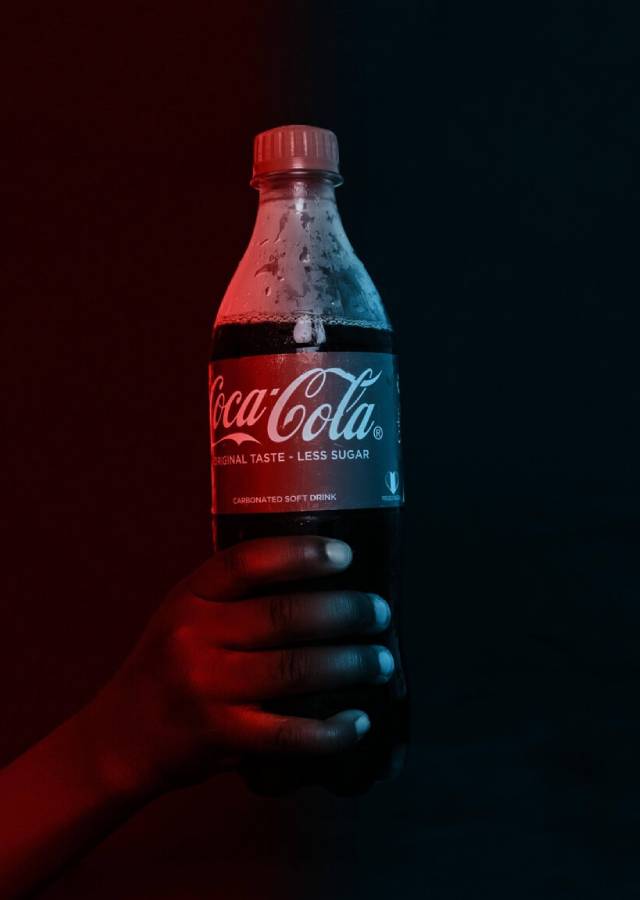
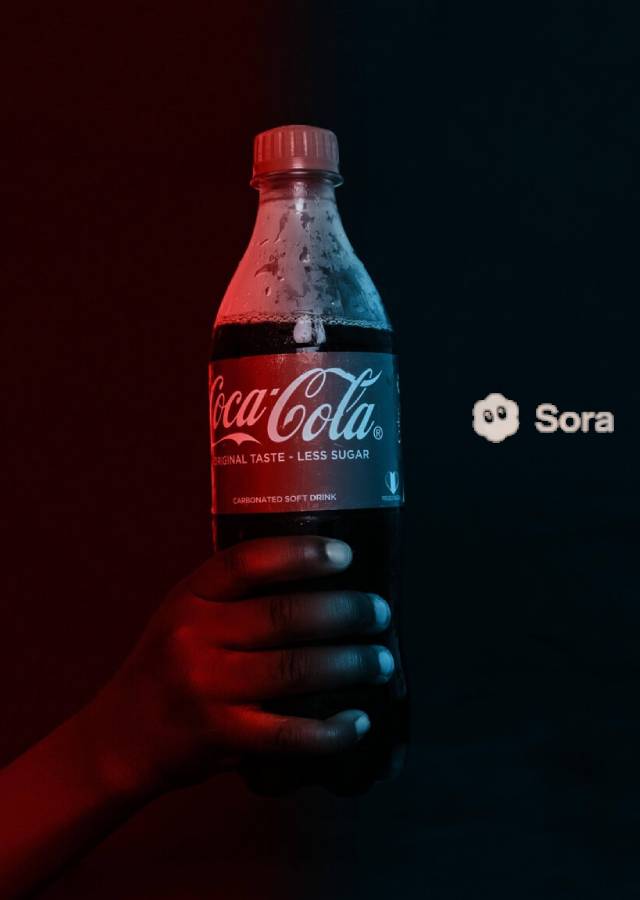
Distributors and agencies frequently need to adapt licensed content for various clients. By enabling the option to remove logo from video and text overlays, you ensure compliance, boost monetization opportunities, and streamline multi-channel syndication.
Education and E-Learning


Educators and institutions can refresh or repurpose valuable learning materials by removing outdated or region-specific on-screen text. Remove text from video, update slides, and customize for various learning environments with ease.
Film and Television Post-Production


Professional editors streamline post workflows by erasing timecodes, subtitles, or draft watermarks. The capacity to remove text from video while preserving underlying visuals is essential for a polished final cut.
Why Choose Us
The best choice for you to remove text from video
AI-Powered Precision
Our proprietary algorithms were designed from the ground up for advanced content recognition and inpainting. Whether you need to remove text from video or remove logo from video, our solution ensures seamless restoration, even across dynamic backgrounds.
Multi-Format Support
We support the most common and widely used video formats MP4 and M4V. While these formats cover the vast majority of editing and streaming needs, making it easy for users to remove text from video and remove logo from video.
Secure, Privacy-First Cloud Technology
All videos are processed in encrypted environments, with automatic deletion post-processing. Users can remove text from video or remove logo from video without concern for data leakage or unauthorized access.
How To Use Remove Text From Video
Simple steps to use our Remove Text From Video

Upload Your Video
Begin by selecting the video file you wish to process. We support all leading formats, so you can easily upload footage from any source.
Apply AI Removal
Our proprietary algorithm will analyze the video frame-by-frame, intelligently reconstructing the background and seamlessly removing text and logo from video.
Preview and Export
Instantly preview your results. If any manual tweaks are required, use the provided fine-tuning tools. Export your enhanced, text-free video in the format and quality of your choice.
Download and Share
Download your restored video and share or repurpose it for any platform—confident that you’ve successfully removed text from video and removed logo from video with zero visible artifacts.

Remove Logo From Video Fast & Easy
Upload your video and remove text or logo from video with AI in seconds.
Remove Logo From VideoBenefits of Using Remove Text From Video
Remove Text From Video makes your life easier.
Frame-by-Frame Precision
Our AI analyzes each frame to remove text and logos while preserving video quality and motion fluidity.
Lightning Fast Processing
Remove text from videos in minutes, not hours, thanks to our optimized AI processing pipeline.
Universal Compatibility
Works seamlessly across all devices and browsers - edit on your laptop, tablet, or smartphone.
Secure & Private
Your videos are automatically deleted after processing, ensuring complete privacy and security.
Remove Text From Video FAQs
Frequently asked questions about Remove Text From Video
Will removing text from video affect video quality?
No, our algorithm is engineered to reconstruct affected areas with high fidelity. Most videos won’t show any artifacts, ensuring that you remove text from video and remove logo from video while maintaining original resolution and clarity.
Can I use the platform to remove logo from video in addition to text?
Absolutely. Our solution is built for flexibility—you can remove logo from video, watermarks, timers, subtitles, or any unwanted graphic element.
What types of video formats do you support?
We support popular video file types, including MP4, M4V, and more in near future, making it straightforward to remove text from video regardless of your workflow.
Is my video safe while being processed?
Yes. We employ industry-standard encryption during upload and automatic deletion post-processing, so your assets remain private and secure as you remove text from video or remove logo from video.
What’s the difference between covering and fully removing text from video?
Covering (e.g., using shapes or blur) hides the text visually but leaves artifacts and doesn’t reconstruct lost content. Our solution uses AI to fully remove text from video and remove logo from video, restoring authentic backgrounds for professional-grade results.
Can I process multiple videos at once?
No. We currently only support single video processing. Future updates may include batch processing capabilities. Stay tuned for more features!