Remove Object From Photo
Remove unwanted object from photo online free.
⚡Upgrade to Profor priority processing, faster speeds, and premium quality results!


Your result image will appear here
Upload an image on the left and remove object from photo as needed.
Object Remover
Clean, Perfect Photos Without Effort
Modern photography often captures moments that feel almost perfect—until an unwanted object ruins the composition. Our object remover gives you the control to achieve flawless visuals by eliminating anything that distracts from your image. Whether it's a stray person in the background, a date stamp, a power line, or even an accidental hand in the shot, you can remove object from photo instantly and seamlessly. Unlike traditional editing software that demands technical skills, our solution makes photo cleanup as easy as brushing across the area you want to remove. The result is a clean, natural-looking image that maintains authentic details and lighting. With smart AI blending and high-fidelity texture reconstruction, every edit stays invisible to the untrained eye.
Use Cases of Object Remover
Remove unwanted objects from photos for any scenario.
Remove People from Photos

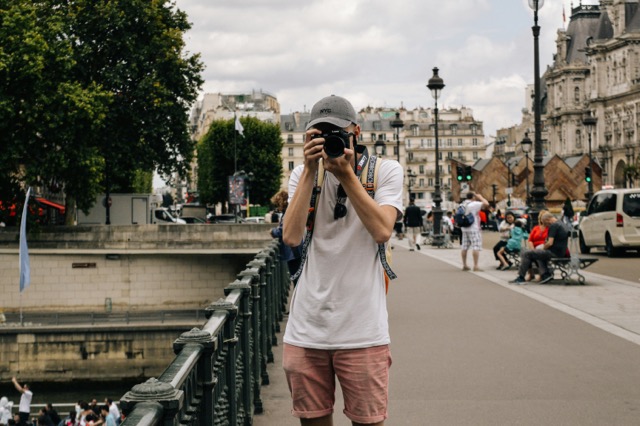
When traveling or visiting busy places, extra people often appear in your pictures. With the object remover, you can instantly erase strangers and crowd elements without affecting the scenery. Your travel memories will feel more intimate and personal.
Clean Up Product Photos


Business owners and marketers use the tool to remove object from photo that might make a product image appear cluttered—like shadows, wires, backgrounds, or stands. Present your product clearly and professionally in every online listing.
Fix Family and Event Pictures


Sometimes, an amazing family photo is spoiled by a passing car, random signboard, or misplaced item. The object remover quickly restores the intended mood, keeping attention on the people and emotions that matter.
Remove Text or Watermarks
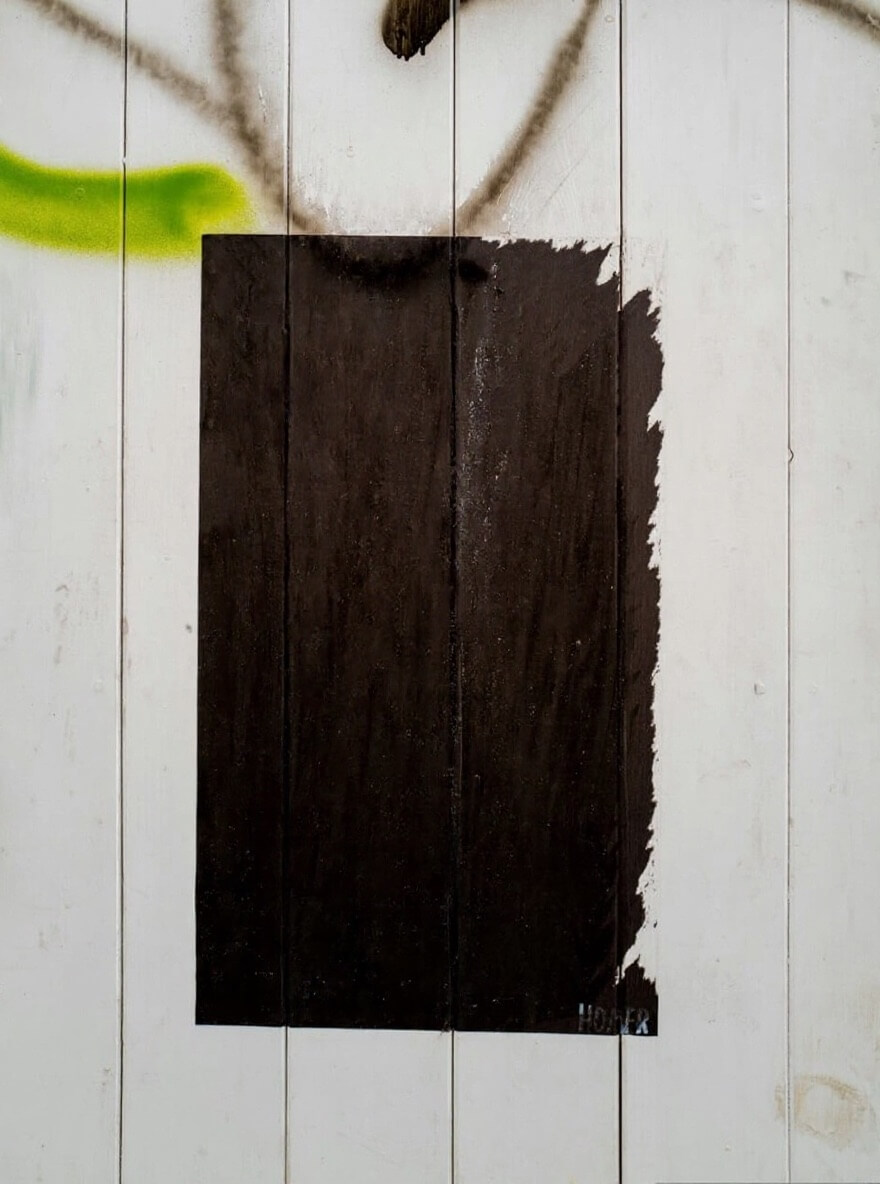
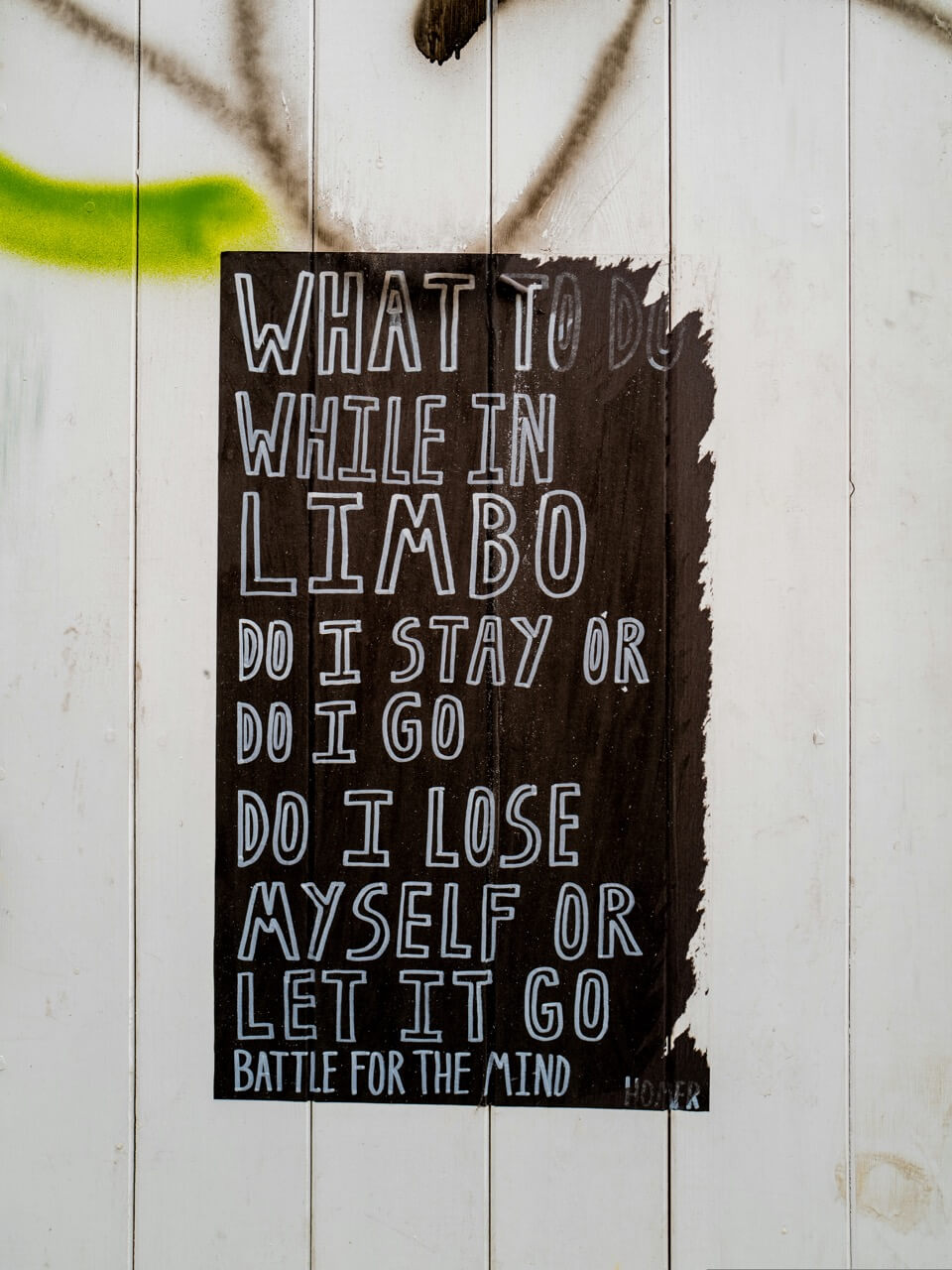
If you need to reuse or restore old content, the tool helps remove unwanted text overlays or watermarks when you have the rights to the image. The repaired area blends naturally with the surrounding colors and textures.
Edit Landscape Photography
Professional and hobbyist photographers value clean landscapes. Easily remove object from photo like poles, trash, or silhouettes to highlight pure nature—the sky, mountains, and water—without any interference.
Repair Old or Damaged Images
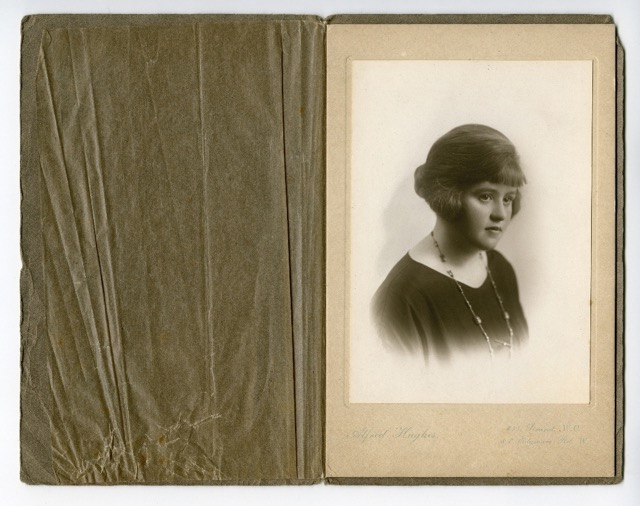
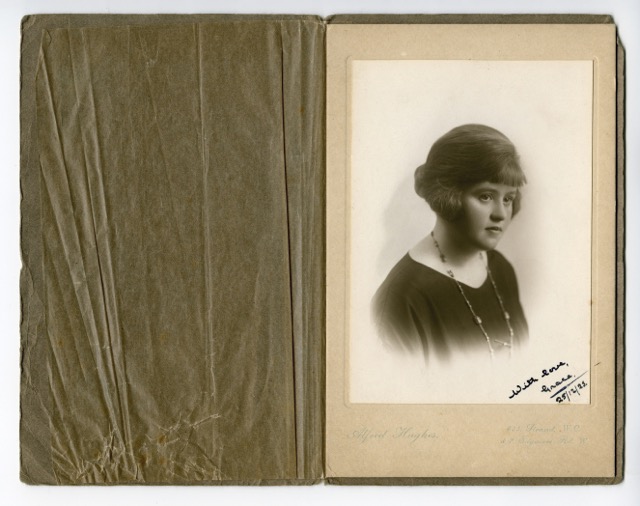
Historical photos or vintage prints often contain spots, scratches, or stains. By using the object remover, you can eliminate imperfections while keeping grain, tone, and realism intact.
Why Choose AI Object Remover
The best choice for perfect photo cleanup
Smart AI Object Detection
Object Remover tool automatically detects object boundaries with pixel-level precision. Advanced inpainting algorithms analyze texture, tone, and lighting around the selected area to generate smooth, realistic fill-ins.
Brush and Mask Control
You stay in full control of your edits. The customizable brush tool allows you to mark exactly what to remove, adjusting size and softness for precision. Mask preview ensures transparency before you finalize changes.
High-Resolution Support
Unlike basic editors, our object remover works with high-resolution images without lag. You can instantly remove object from photo in full quality and preview the changes before downloading the result.
How To Use Object Remover
Simple steps to use our Object Remover

Upload your image
Drag and drop or select the photo you want to edit.
Select the object
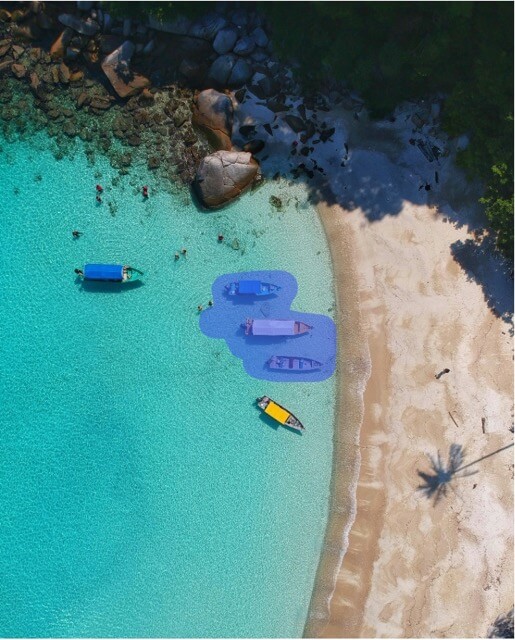
Use the brush to paint over the unwanted object or subject.
Apply removal
The AI Object Remover automatically processes the image to remove object from photo with precision.
Download final image
Save and export your picture in full resolution, ready for print or online use.

Try Free Object Remover Now
Just upload your image and brush over unwanted objects, let AI do the rest for you.
Remove Object From PhotoBenefits of Using Object Remover
Object Remover makes your life easier.
Save Time and Cost
No need for expensive photo editing software or expert retouching. The object remover simplifies high-quality cleanup for free, producing results similar to premium tools in just a few clicks.
No Technical Skill Required
Powered by built-in AI, this online Object Remover ensures every user can remove object from photo without training or editing knowledge. Upload and paint—that's all it takes.
Preserve Natural Texture
The output maintains original light conditions, tone gradients, and texture uniformity. After using the object remover, your photo looks untouched—not artificially edited.
Privacy and Convenience
Edits happen instantly in the browser with secure processing. No data tracking or storage—your images stay private while you work with our AI Object Remover.
Object Remover FAQs
Frequently asked questions about Object Remover
What is an Object Remover?
An object remover is an AI-driven online tool that lets you erase unwanted parts from a photo. It analyzes the surroundings and fills in the gap intelligently to look natural.
How does Object Remover work?
The software uses deep learning image completion algorithms. Once you mark an area to remove object from photo, the system predicts and reconstructs missing pixels based on the photo's context.
Does Object Remover work on mobile as well?
Yes. The web interface is fully responsive, meaning you can upload, edit, and save images from any device, including smartphones and tablets.
Is there any image size limitation?
For most images, the object remover supports high-resolution uploads, but performance depends on your device memory and browser capability. For optimal experience, keep image size under 20MB.
Will there be visible traces after remove object from photo?
Not usually. The AI blending ensures that the area you edit merges seamlessly with the background. However, fine-tuning the brush edges can further improve realism.
Is Object Remover really free to use?
Yes. You can freely use the Object Remover for an unlimited number of images. Premium options are available for priority processing, faster speeds, and premium quality results!
Is it legal to remove object from photo?
Removing objects that are protected by copyright, such as logos, branded items, or artwork, may violate copyright laws if you publish or distribute the edited image without proper rights or permission. Always ensure you have the legal authority to alter and use images featuring copyrighted material.
Are there restrictions on how I use edited photos made with an object remover?
Yes. Edited images must respect copyright, trademark, and personal privacy laws. Do not use the object remover to edit photos in ways that infringe upon intellectual property rights or misrepresent individuals. Users are responsible for understanding and complying with relevant laws and usage guidelines surrounding the content they edit.