Z Image Turbo - AI Image Generator
Super-fast text-to-image model.
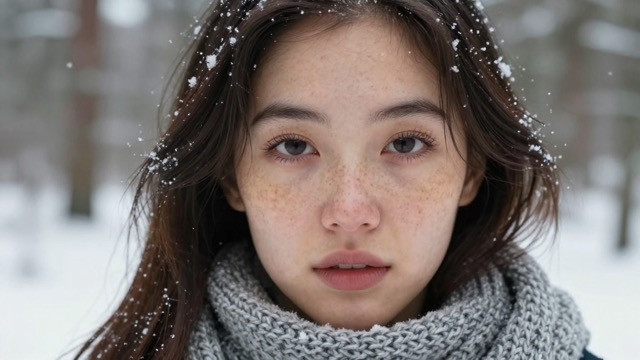
"A close-up portrait of a young woman with freckles wearing a knitted scarf, standing in a snowy forest, soft natural overcast lighting, snowflakes caught in her eyelashes, detailed skin texture, 85mm lens, sharp focus on eyes, photorealistic."
Z Image Turbo AI Image Generator
Ultra-fast, production-ready AI images in just a few inference steps
Z Image Turbo AI Image Generator is an ultra-high-speed image generator powered by Tongyi-MAI's Z Image Turbo model. It delivers photorealistic, production-ready visuals in a fraction of a second. Built on a distilled, single-stream diffusion transformer, it gives creators, marketers, and developers the freedom to iterate rapidly without sacrificing detail, text quality, or professional polish.
Z Image Turbo AI Image Generator Use Cases
Explore how Z Image Turbo accelerates real-world creative workflows across teams and industries.
Creative Prototyping
Concept artists, designers, and art directors use Z Image Turbo to explore dozens of visual directions in minutes. Generate variations in lighting, composition, and style on demand, then quickly converge on the concepts that truly work.
Bilingual Visuals
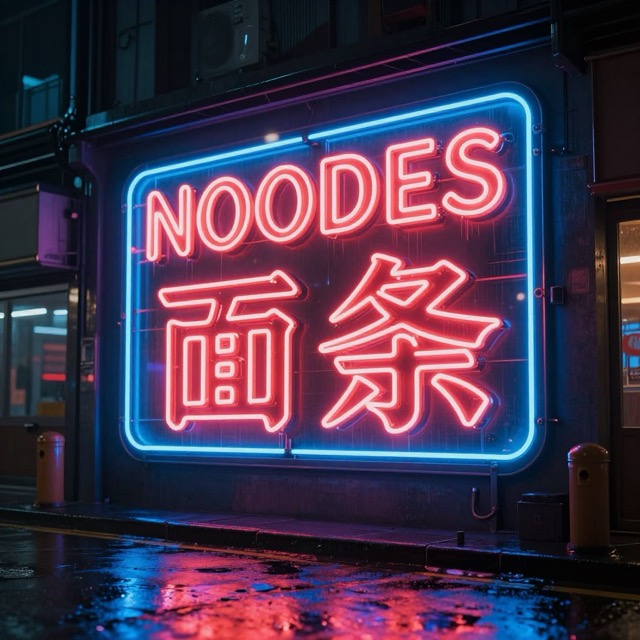
Marketing teams create on-brand campaign assets with text rendered directly inside the image. Generate posters, hero banners, and social ads with integrated English and Chinese typography, reducing the need for manual layout work.
Product Shots
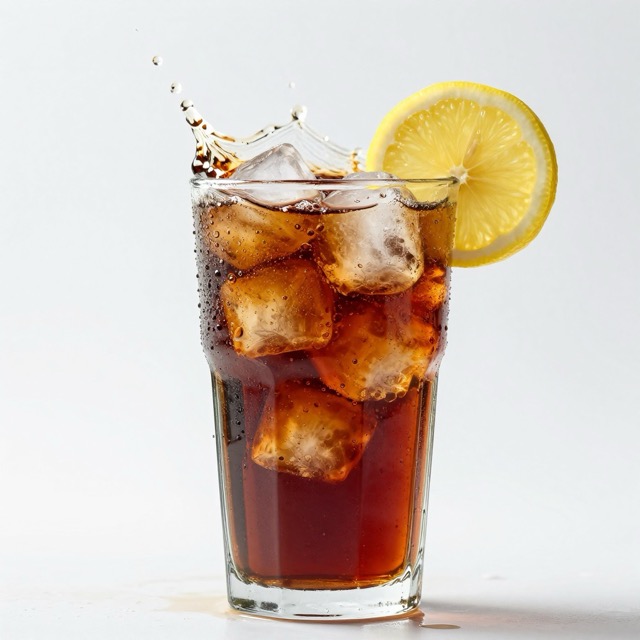
E-commerce and brand teams use Z Image Turbo as a virtual studio, producing photorealistic product images in diverse environments. Achieve realistic lighting and materials without the cost and complexity of physical photo shoots.
Game Assets
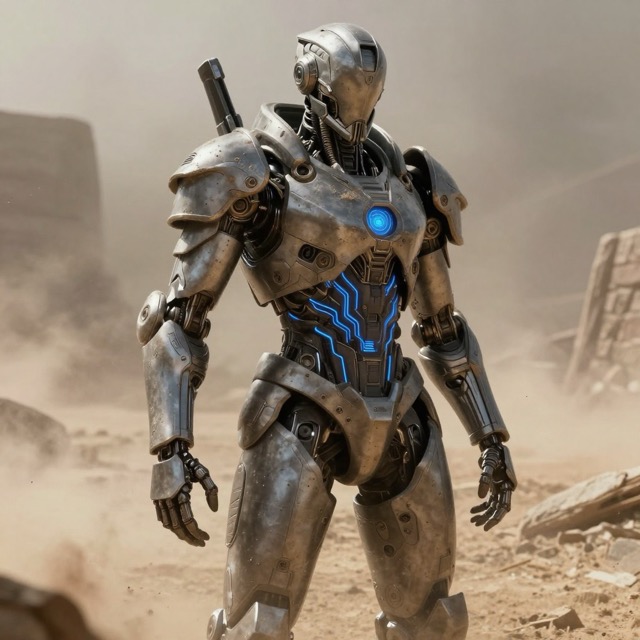
Game and interactive teams generate icons, textures, and background art on the fly. Z Image Turbo supports fast iteration on visual variations so worlds feel rich, coherent, and ready for production.
Editorial & Publishing
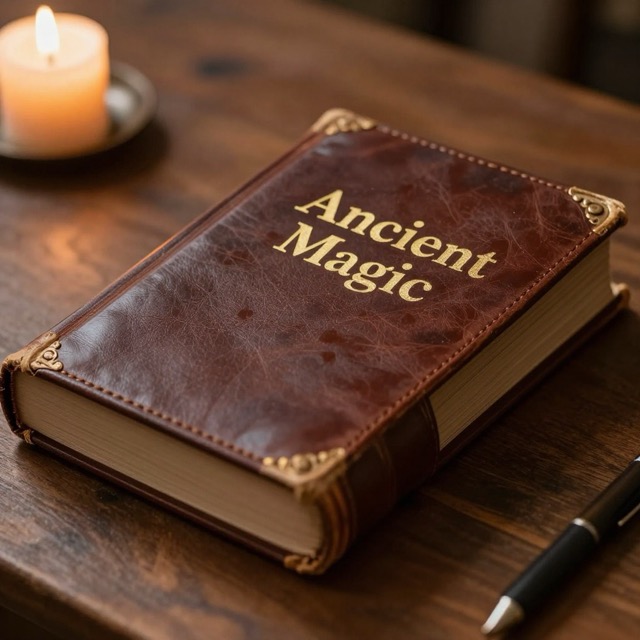
Writers and publishers generate custom editorial illustrations tailored to each story. From cinematic blog headers to clean explanatory diagrams, Z Image Turbo delivers visuals that match the exact tone and layout.
Social Media Content
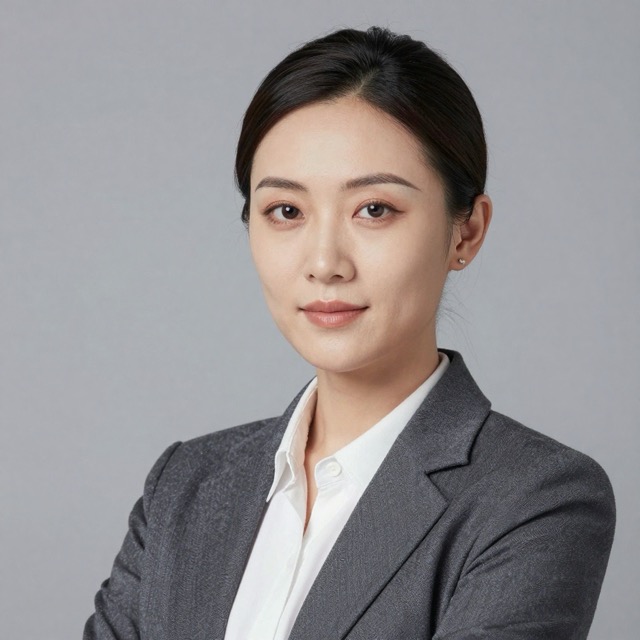
Social teams respond to trends in real time with scroll-stopping visuals. Thanks to turbo-speed generation, brands can launch timely creative for campaigns, events, and cultural moments without long production cycles.
Why Choose Z Image Turbo
A modern, production-ready AI image generator built for speed, fidelity, and text-aware visuals.
Lightning-Fast Inference
Z Image Turbo is distilled for speed, producing high-quality images in just a handful of inference steps. On modern hardware, generations complete in sub-second timeframes, enabling rapid creative iteration and high-volume workflows.
Bilingual Text Rendering
The model is optimized to render clear, legible text in both English and Chinese. Designers can embed titles, labels, and signage directly in the image, reducing manual typography work and improving brand consistency.
Efficient, Flexible Architecture
Powered by a scalable single-stream diffusion transformer, Z Image Turbo unifies text and image understanding in one pass. This efficient design supports high fidelity at practical VRAM requirements, making it accessible to both studios and individual creators.
How To Use Z Image Turbo AI Image Generator
Simple steps to use our Z Image Turbo AI Image Generator
Access Z Image Turbo
Open the Z Image Turbo interface in your Home page/Sidebar and ensure the correct model and resolution settings are selected.
Write a Detailed Prompt
Describe your desired image clearly, including subject, style, lighting, and mood. Z Image Turbo responds best to rich, natural language prompts.
Generate and Iterate
Generate the image, review the result, and refine your prompt or settings as needed. The ultra-fast speed makes multiple iterations effortless.
Export for Production
Download the final image at your chosen resolution and integrate it directly into design, marketing, product, or game workflows.
Try Z Image Turbo AI Image Generator Online For Free
Generate images quickly and efficiently with Z Image Turbo.
Try Z Image TurboTips for Better Results
Here are some tips to help you get the best results from Z Image Turbo.
Be Verbose and Specific
Write rich, natural language prompts that describe subject, lighting, style, and mood. Z Image Turbo is optimized to interpret detailed instructions and translate them into precise visual results.
Leverage Style Keywords
Anchor your images with clear style tags such as 'photorealistic', 'analog film', or 'unreal engine render'. These cues help Z Image Turbo lock onto the texture, finish, and overall look you expect.
Direct Text Placement
When generating images with text, specify exactly where and how it should appear—for example, as signage, labels, or book titles. Clear placement guidance improves readability and integrates typography naturally.
Skip Heavy Negative Prompts
Focus your effort on describing what you want rather than long negative lists. As a distilled model, Z Image Turbo generally performs best with strong positive prompts and minimal negative conditioning.
Z Image Turbo AI Image Generator FAQs
Frequently asked questions about Z Image Turbo AI Image Generator
What is Z Image Turbo AI Image Generator?
Z Image Turbo is a high-speed AI image generator based on a distilled diffusion transformer. It produces photorealistic or stylized images in just a few inference steps, making it ideal for rapid ideation and production workflows.
How fast is image generation with Z Image Turbo?
Thanks to its distilled architecture, Z Image Turbo can generate images in a fraction of a second on modern GPUs. In practice, this means you can iterate through many prompt variations in the time other models need to create a single draft.
Does Z Image Turbo support text inside images?
Yes. Z Image Turbo AI Image Generator is optimized for bilingual text rendering, especially English and Chinese. While no model is perfect 100% of the time, it generally produces more legible, structurally correct text than older image generators.
What settings work best for Z Image Turbo AI Image Generator?
For most use cases, we recommend resolutions around 1024x1024, 8–9 inference steps, and a very low or even zero CFG (guidance) scale. We've already set up the best settings for you.
Can I use the images for commercial projects?
Yes—subject to the terms of the platform or model license. In general, you may use generated images in commercial projects as long as you: (1) respect any usage limits or attribution requirements; (2) avoid generating content that infringes third‑party trademarks, logos, or copyrighted characters; and (3) comply with all applicable laws and our Terms of Service.
Any tips for getting the best results?
Use detailed, natural language prompts, add clear style keywords, and be explicit about text placement when needed. Avoid overly long negative prompt lists—Z Image Turbo typically performs best when you focus on describing what you want to see.